Front of house
POS terminal & pairing
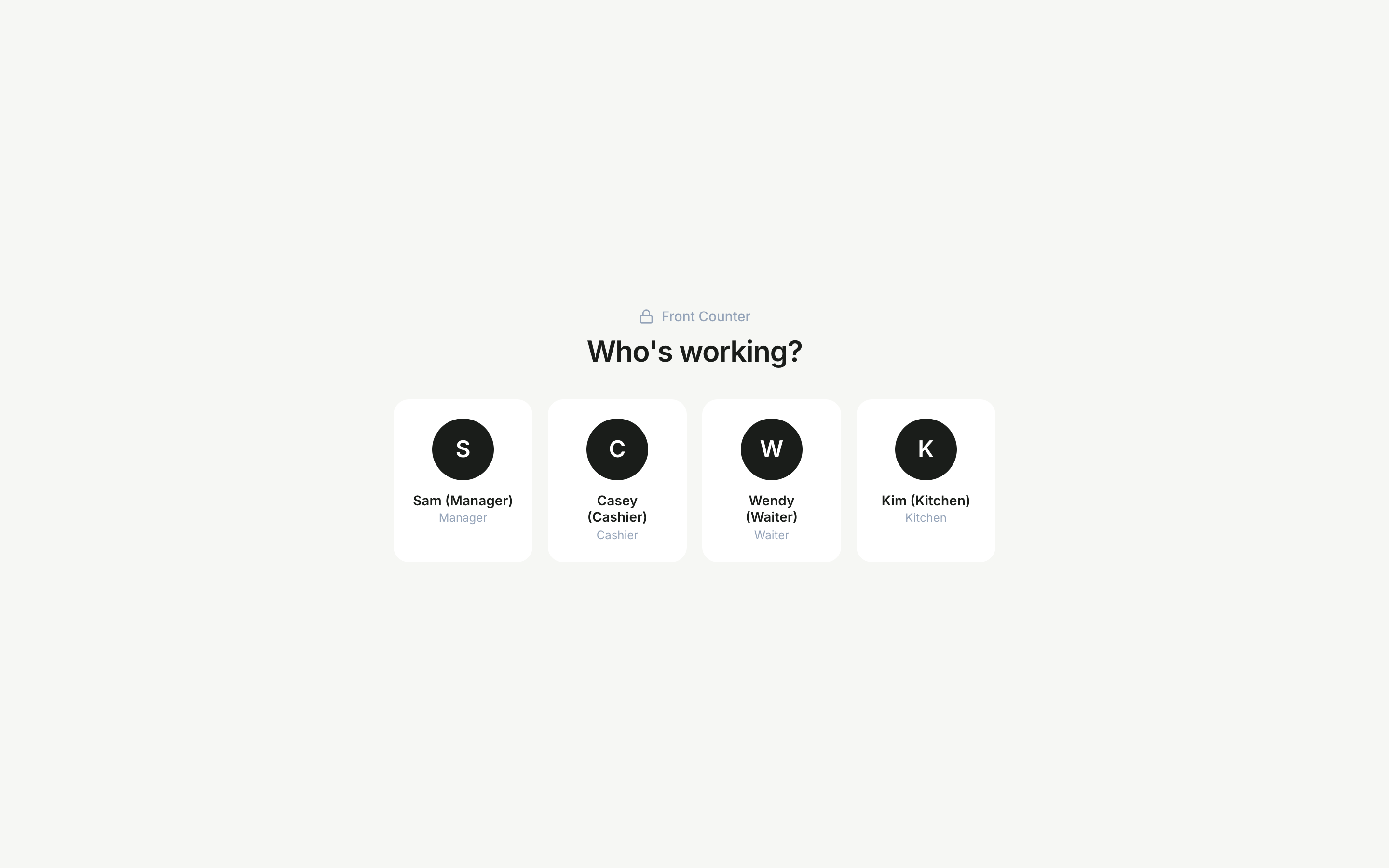
The POS is the in-venue till. It runs in any browser — on a desktop, an iPad, or a phone for waiters taking orders tableside — and is paired to a specific branch.
What it includes
- A service board for opening and managing checks.
- An order builder for adding items, variants, add-ons and notes.
- A kitchen display for the pass.
- A cash drawer with shifts and a floor-plan view.
Pair a terminal
- 1On the dashboard, open Dashboard › Setup › POS devices and generate a pairing code.
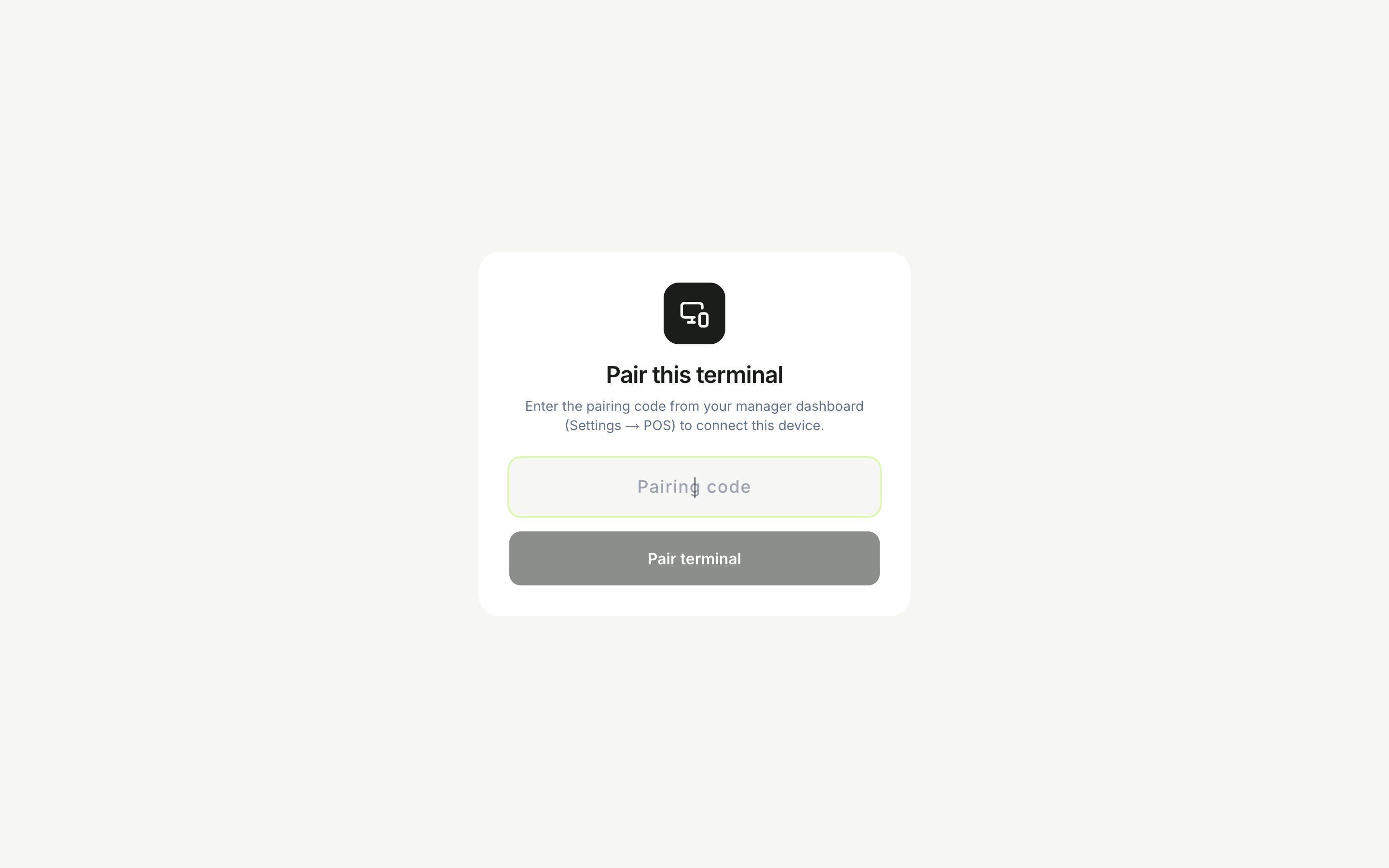
- 2On the terminal, visit the pairing screen — or scan the pairing QR code with the device camera to connect automatically.
- 3Enter the code manually if you prefer; the device is then bound to that branch.
The pairing QR is generated on your device and the code never leaves the browser until you submit it — quick and secure.
Still need help with this?
Contact support