QR & digital menus

QR menu ideas that actually boost sales

A QR menu is more than a digital copy of your paper one. Used well, it gently lifts the average order and brings guests back. Here are ideas that work without feeling pushy.

QR & digital menus · 5 min read

Let the food sell itself

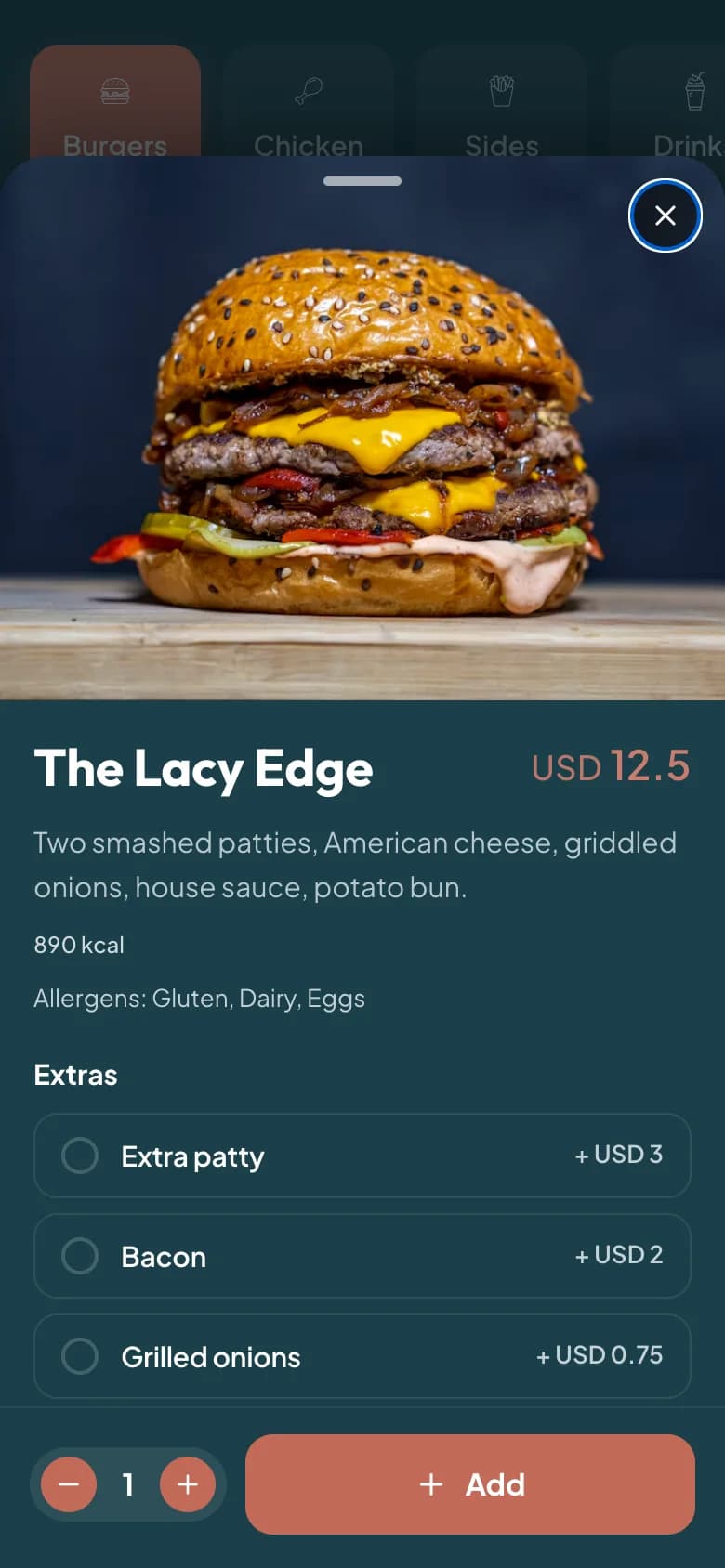
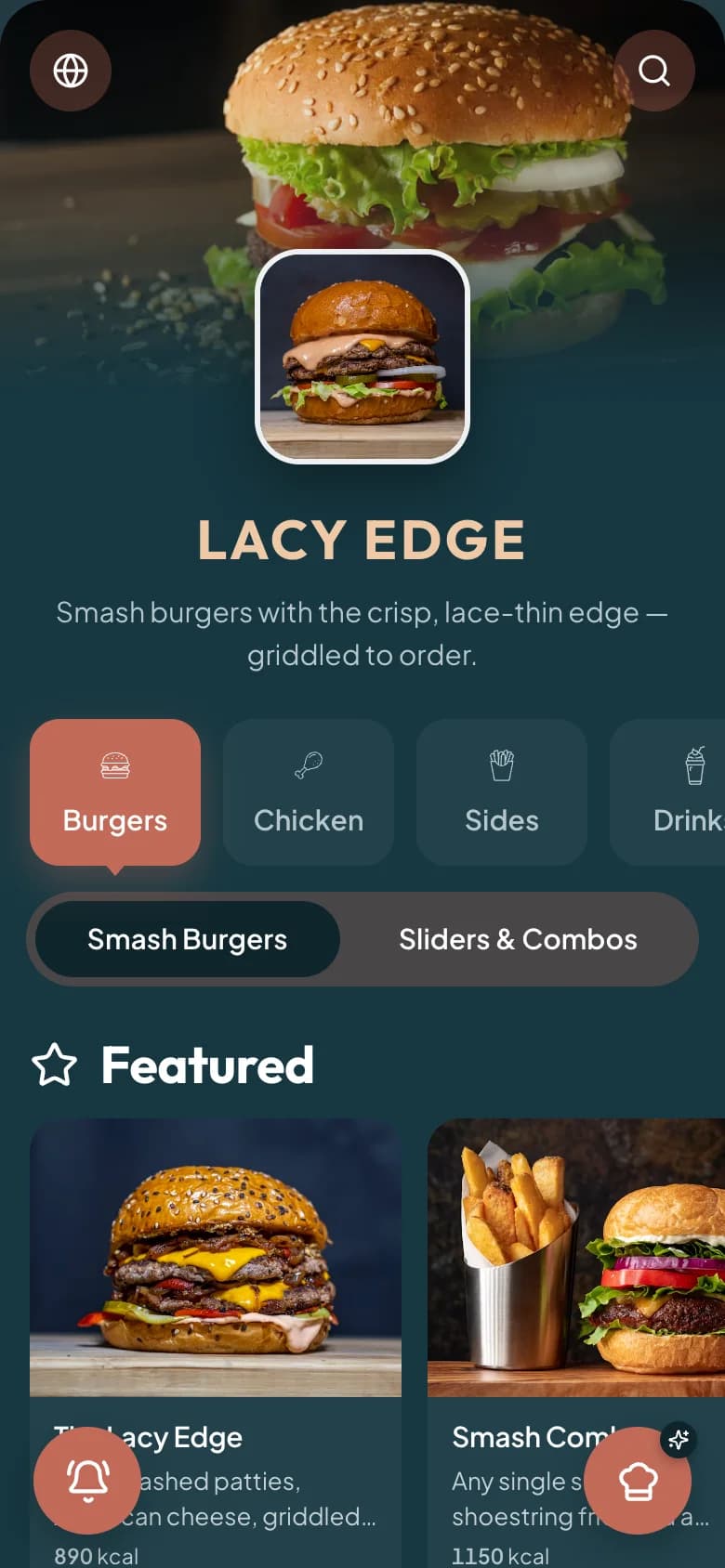
  • Add a good photo to your highest-margin and signature dishes.
  • Write short, appetising descriptions — sensory, not generic.
  • Highlight specials and chef's picks so they're easy to find.
Upsell gently

  • Suggest a relevant add-on or pairing at the right moment.
  • Offer combos that bundle items at a value the guest notices.
  • Make a second round or another course one tap away.

Serve every guest

A multilingual menu — including right-to-left Arabic and Kurdish — means more guests order confidently and order more. Comfort drives spend.

Turn a good meal into a review

Right after the meal, while the experience is fresh, invite happy guests to leave a review. The QR menu is the perfect, low-friction moment to ask.

Key takeaways

The short version

  • Photograph and describe your best, highest-margin dishes
  • Upsell gently with relevant add-ons and combos
  • Make reordering effortless
  • Offer the menu in every guest's language
  • Gather reviews right after the meal

FAQ

Questions, answered

Yes. A good photo on a signature or high-margin dish reliably lifts how often it's ordered.

Suggest relevant add-ons and pairings at the right moment, and offer combos at a value the guest notices — never a hard sell.

Yes. It's a natural, low-friction moment to invite happy guests to review right after they've eaten.

Put it into practice

Menulisa brings ordering, POS, kitchen, inventory, and reporting together so the ideas in this guide are easy to act on.

QR Menu Ideas to Boost Sales · Menulisa