Why bilingual menus matter
In much of the Middle East, and anywhere with mixed clientele, a bilingual menu is hospitality. Guests order with confidence, ask fewer questions, and feel the venue was built for them. A menu that only works in one language quietly turns people away.
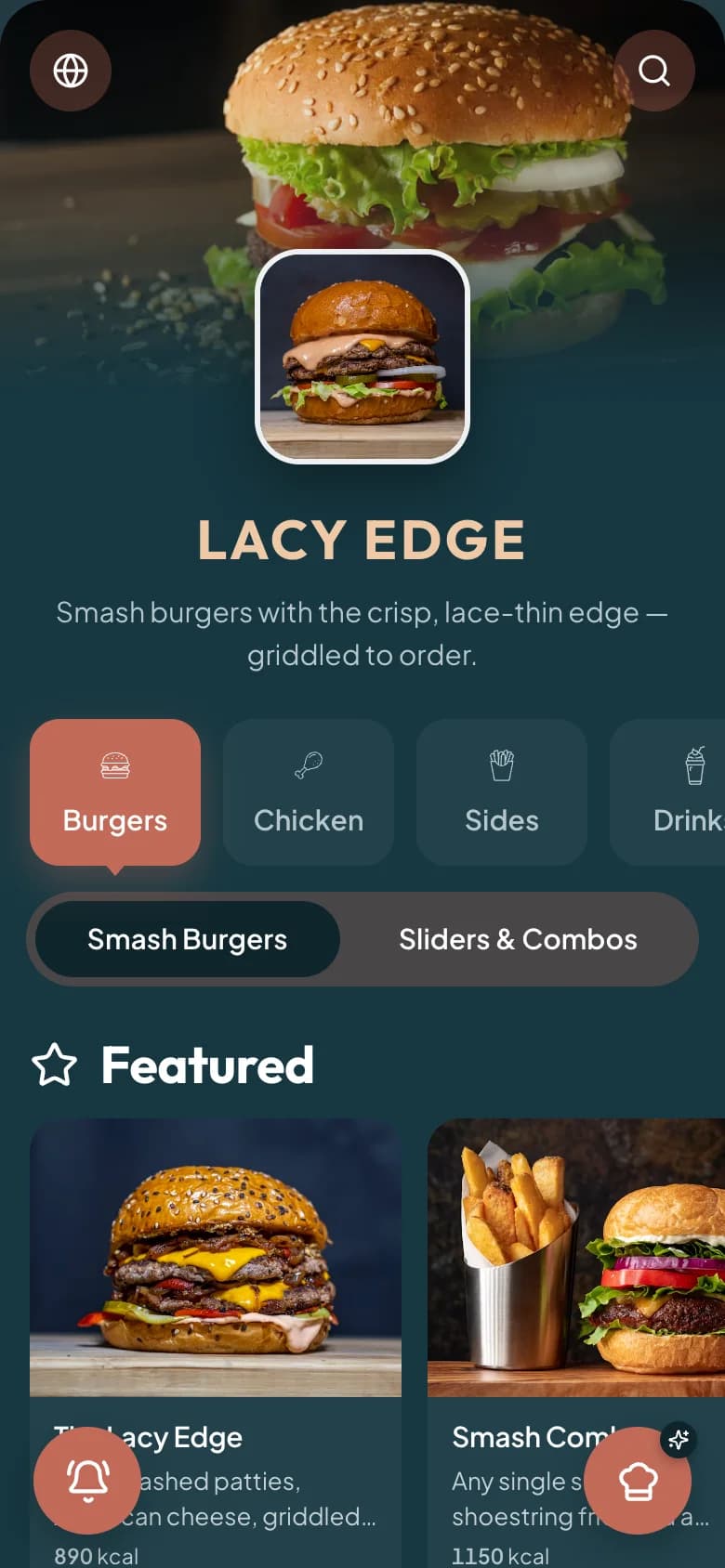
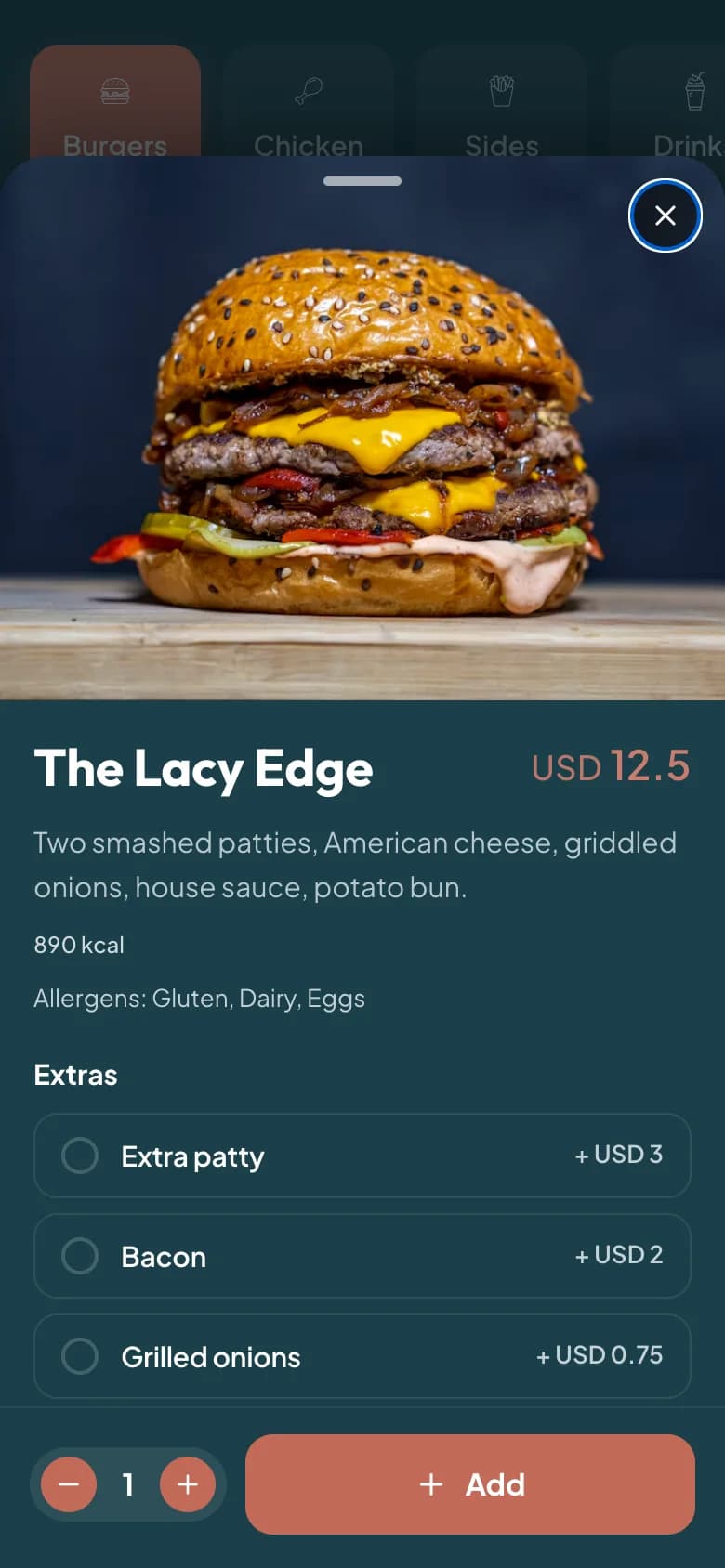
Get right-to-left right
Arabic reads right-to-left, and a proper RTL menu mirrors the whole layout — not just the text. Alignment, item rows, icons, and navigation should all flow naturally for an Arabic reader. Bolting Arabic text onto a left-to-right layout looks broken and reads worse.
- Mirror layout direction, not just the words.
- Use a typeface that renders Arabic script cleanly at small sizes.
- Keep numbers and prices clear and unambiguous in both directions.
Translate for appetite, not just accuracy
A literal translation can read flat or even wrong. Translate dish names and descriptions so they're appetising and natural in each language, and have a native speaker check them. Keep both languages in sync when you update the menu.
Let guests choose with one tap
On a digital or QR menu, let each guest pick their language instantly and remember the choice as they browse and order. A system with native multilingual and RTL support handles this cleanly — including a third language like Kurdish — without you maintaining separate menus.